Make Better Videos
Tips to Getting Better Videos
Producing an event video looks easy, but to get the video you need you will get better results if you learn how to describe the video you want your videographer to create.
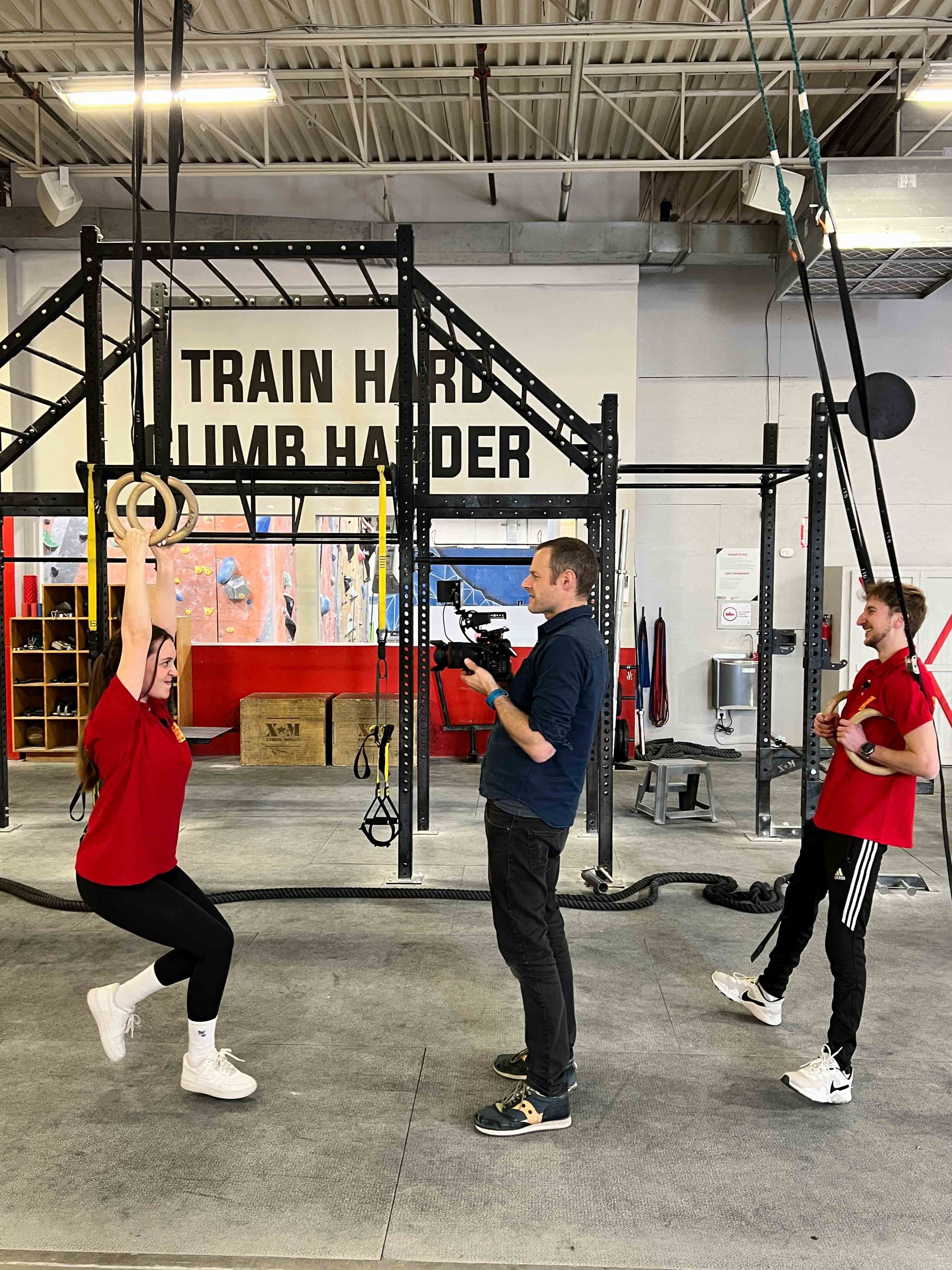
Thinking About Filming Your Next Event? Here’s Why Clear Guidelines Make All the Difference
As someone who’s been in the corporate event industry for 25 years, I’ve seen firsthand how important it is for clients to communicate their specific vision when it comes to event videos. Whether it’s a sizzle reel, a documentary-style recap, or a story-driven narrative, knowing what you want from the beginning is critical to getting the video that meets your goals.
But here’s the thing: not all event videos are created equal, and what you envision will directly impact how the videographer films the event and approaches the editing process. To help you achieve the best results, here are a few key considerations to keep in mind:
6 Key Tips To Get Better Videos
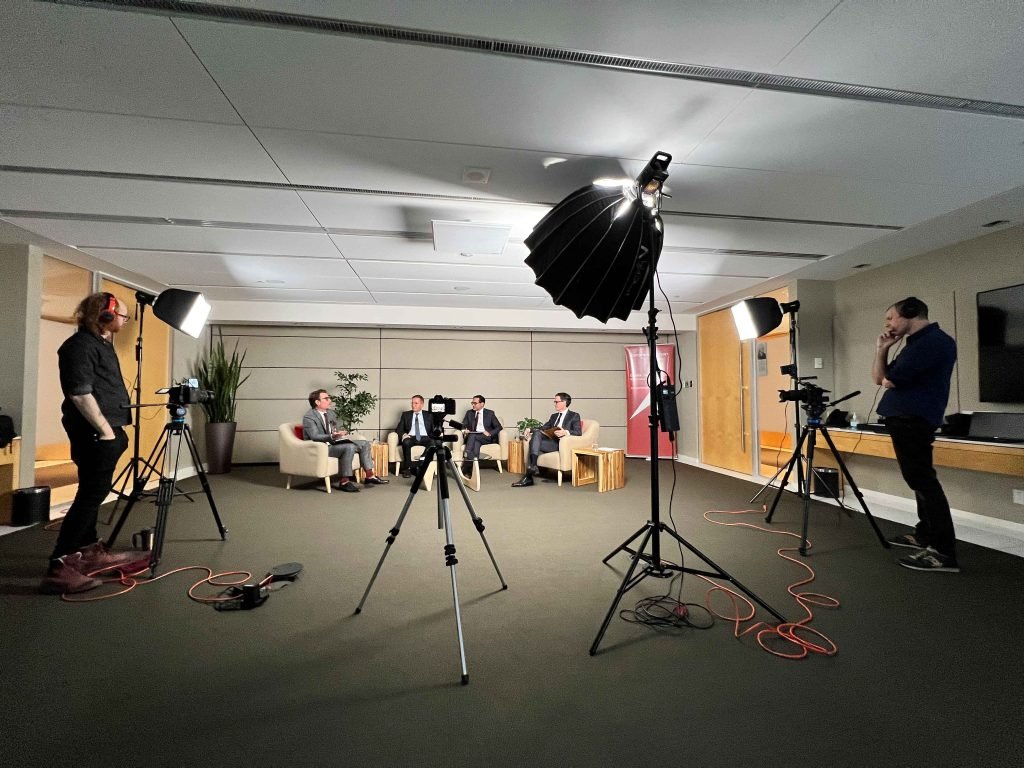
Define the Purpose From The Start
Ask yourself: What do I want this video to accomplish? Is it to promote future events, showcase speakers, provide attendees with a keepsake, or summarize the event for internal purposes? Each goal requires a different style of video, so defining this up front will help your videographer plan effectively.
Choose Your Style
There are many ways to tell the story of your event, and the style you choose will affect how the videographer approaches both filming and editing:
- Sizzle Reel: A fast-paced highlight reel, perfect for social media or marketing campaigns.
- Documentary Style: A more detailed, chronological recap, often featuring interviews or behind-the-scenes moments.
- Story-Driven Narrative: A cohesive storyline centered around a particular theme or message, designed to reflect your brand’s mission or culture.
Pro Tip: Use these terms when discussing your vision with your videographer. The more specific you can be, the better!
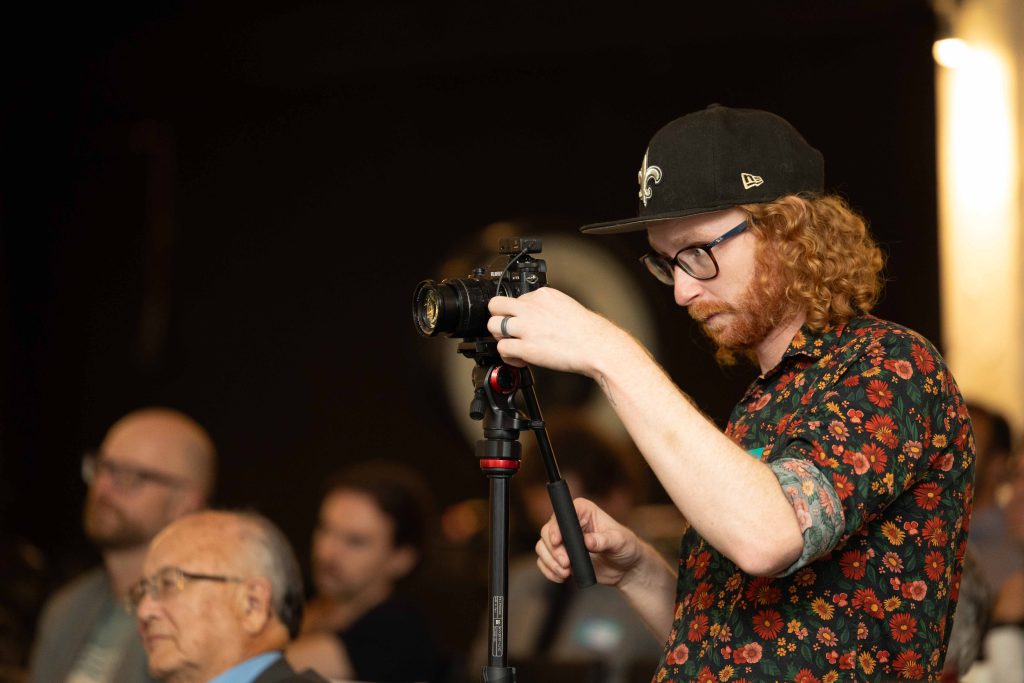
Discuss the Shots You Want
Do you want sweeping crowd shots or more intimate, close-up interviews with key attendees? Will there be a keynote speaker or panel discussion that needs full coverage (including importantly sound *more below)? Specifying key moments or types of footage—such as venue shots, sponsor banners, or candid interactions—helps your videographer plan the right camera setups. Whether it’s capturing a speaker’s presentation, audience reactions, or sponsor branding, these decisions guide how your videographer positions cameras and captures content.
Editing Matters
The editing process is where the magic happens-and what drives some of the cost of hiring a videographer. Some clients want a high-energy, fast-paced edit with dynamic transitions, while others prefer a smooth, professional look that matches their corporate image. Talk to your videographer about the tone and pacing you’re after, and whether you want background music, speaker highlights, or event commentary.
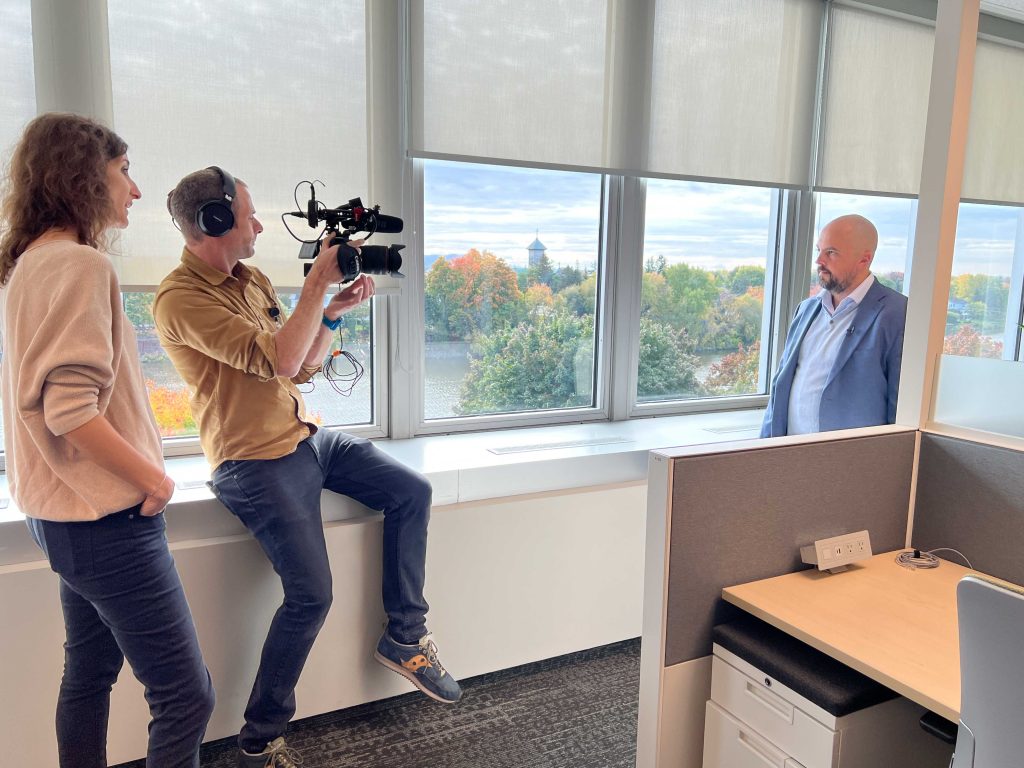
Ask the Right Questions
To ensure your videographer fully understands your needs, ask questions like:
- How many cameras will you use?
- Do we need more than one videographer?
- Can you provide both a short teaser and a full-length version? (Specify length: short is 30 seconds, long is anything over 1.5 minutes)
- How long will the video take to edit, and how many revisions are included? (Typically you should get one rough cut for review and commentary, then a second version that should be close to final, with a third polished edit as final delivery).
- Do you offer any additional services, like motion graphics or drone footage? (These can add costs)
- What sound equipment will you use? Will you have lav mics or handheld mics?
- Can you record audio directly from the soundboard for keynotes or panels? (This also has to be checked in advanced and verified with the venue and on-site AV provider)
- Do each of your cameras need their own separate audio inputs?
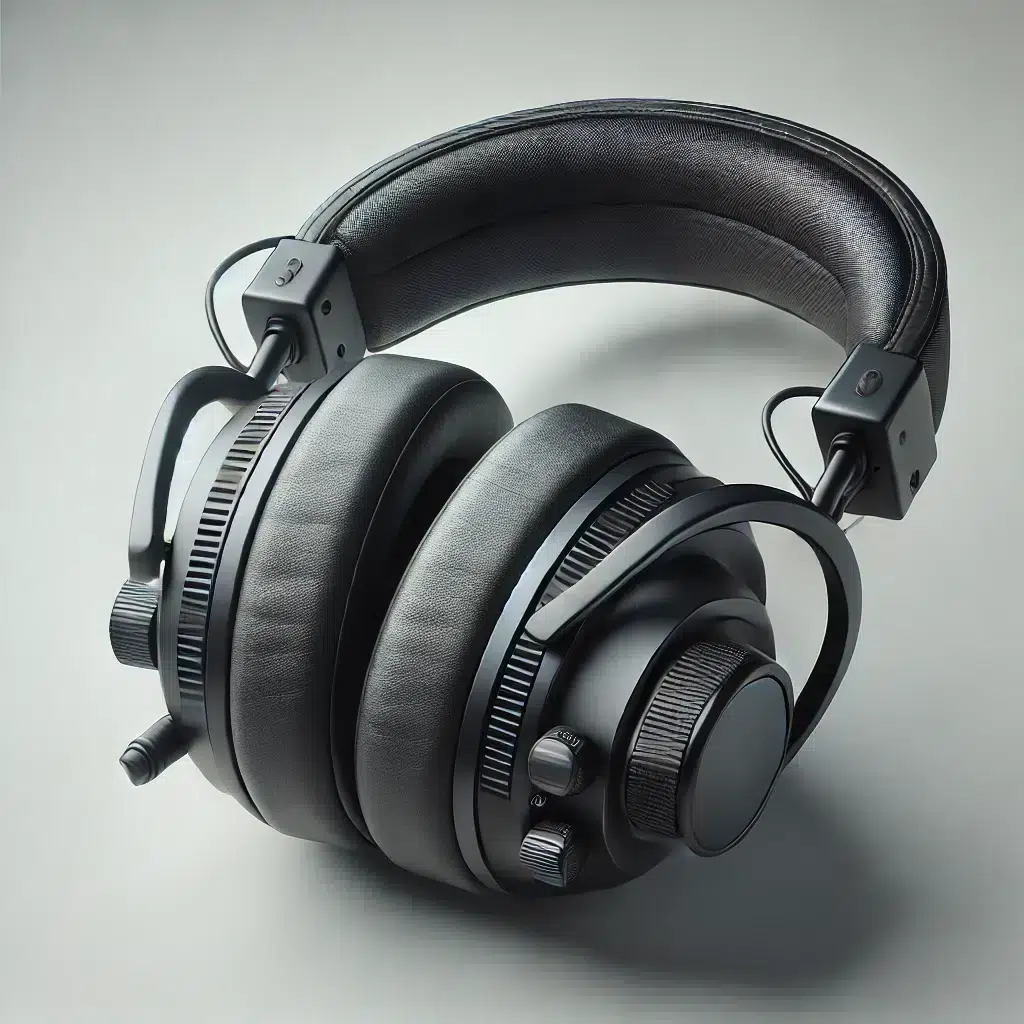
Above:DALLE-2024-09-20-100424-A-hyper-realistic-image-of-a-set-of-black-over-ear-headphones-typically-worn-by-a-videographer-The-headphones-feature-a-comfortable-padded-headband.webp
Prioritize Sound Quality
Good visuals are only part of the equation—sound is just as critical. Clear, high-quality audio ensures that your key moments don’t fall flat. Here’s what to consider:
- Microphone Setup: Your videographer needs to know in advance which speakers or segments are critical so they can mic up the right individuals. Whether it’s a keynote address or panel discussion, good sound makes the difference between a polished, professional video and one that feels incomplete.
- Ambient Noise: If your event has background noise—like music or networking chatter—let your videographer know if they should capture or minimize it. Background noise can add atmosphere but can also distract if not managed properly.
- Audio Syncing for Speakers: It’s important to specify which parts of speeches, presentations, or interviews need to be recorded with high clarity, and which can be summarized visually. Ensuring the sound is in sync with the action is critical in post-production
- Pro Tip: Ask about multi-channel audio recording so each speaker or sound source is captured separately for better control during editing.
Why It Matters
By setting clear guidelines—including sound requirements—you’ll get a polished video that fully captures the essence of your event. Whether it’s a keynote speaker’s powerful message or the energy of your attendees, clear sound enhances the entire viewing experience.
Explore More from Our Blog

Get Professional Headshots: The Simple Guide to Onsite Portrait Sessions
Need a stellar business headshot or corporate portrait fast? Maybe you just landed a speaking gig, published a book, or are updating your company’s “About Us” page. Whatever the reason, getting a professional portrait shouldn’t be a hassle. We specialize in making it…
Ultimate Guide to Planning an Executive Portrait Session in Montreal
A 7-step guide to planning an executive portrait session in Montreal.
How to Boost Your Employer Branding Photography
Employer Branding Photography is Storytelling Employer branding photography empowers your marketing team to tell the story of what it is like working for your company. The goal is to capture your company culture in images. You want to develop a catalogue of images…
Up Your Video Game
Ready to make sure your next event video is everything you envision? Let’s discuss your options and plan the perfect video!